
Images
JPGPNG
Photos from your phone or camera, and scanned images — just open them.
Upscaling, noise reduction, old photo restoration, black-and-white colorization, video enhancement and scanned-PDF enhancement. Every Color Survey feature runs locally on your own computer — nothing is ever uploaded.
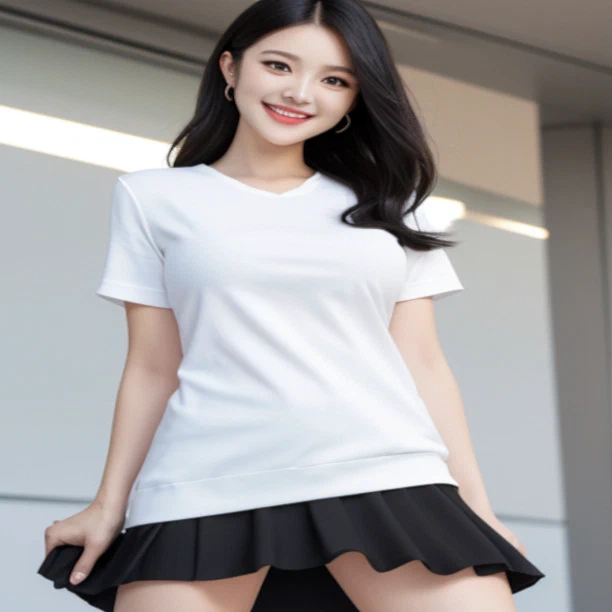
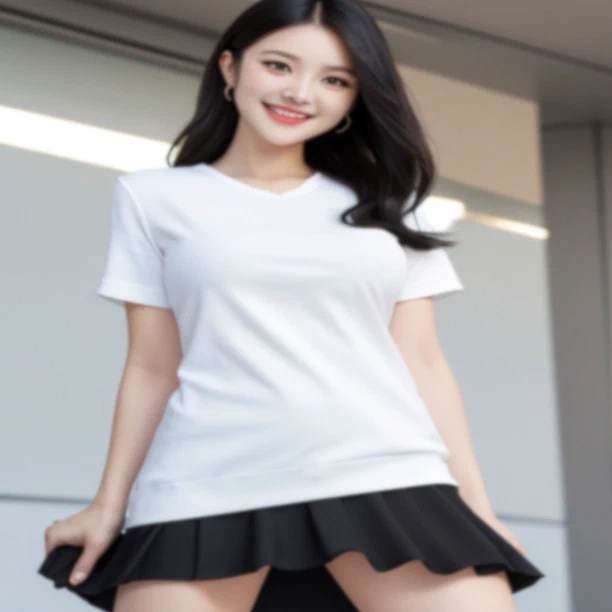
Images get blurry when enlarged because the missing detail has to be guessed from surrounding pixels. Color Survey’s AI recognizes hair, skin, text and buildings and reconstructs fine detail, so edges stay crisp even at larger sizes.
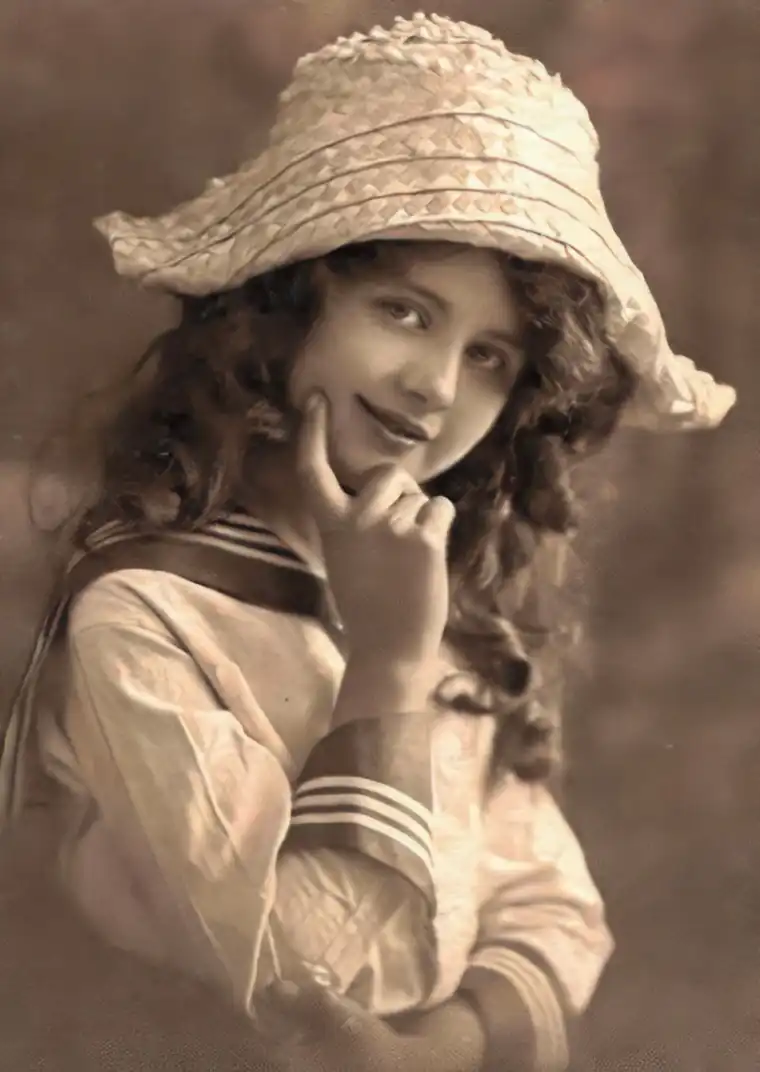
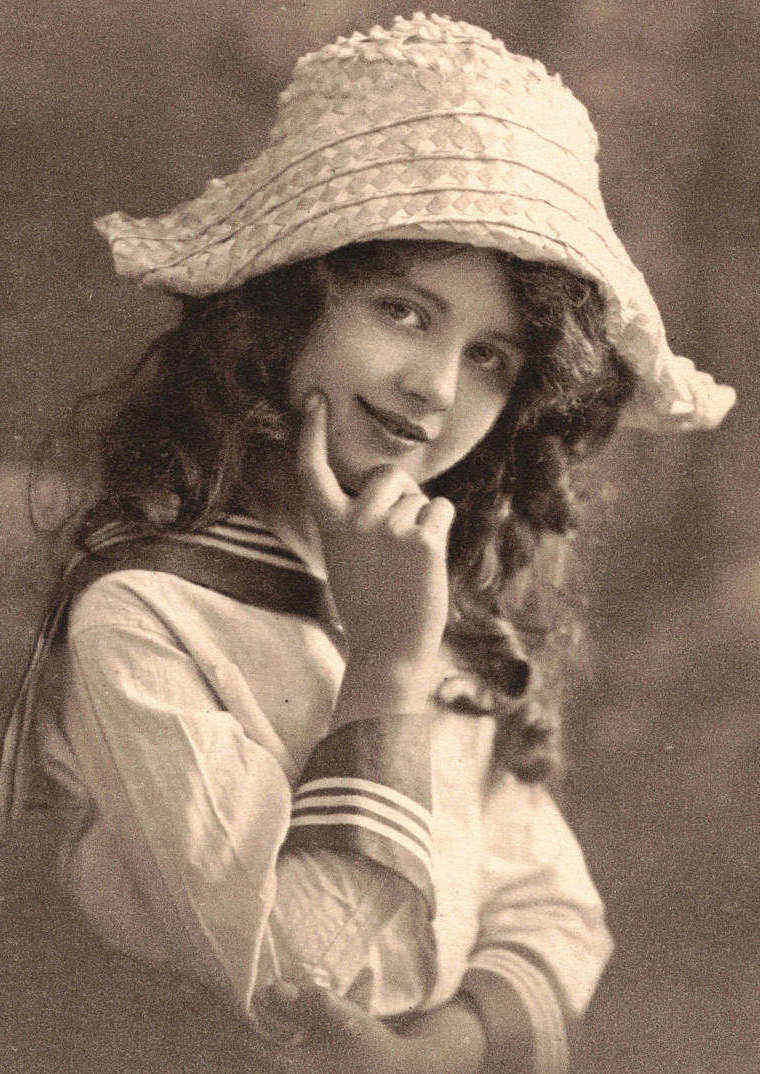
Scan an old print and open it in Color Survey. It corrects yellowing and fading and reduces scratches and stains, bringing the photo closer to how it looked when it was new.
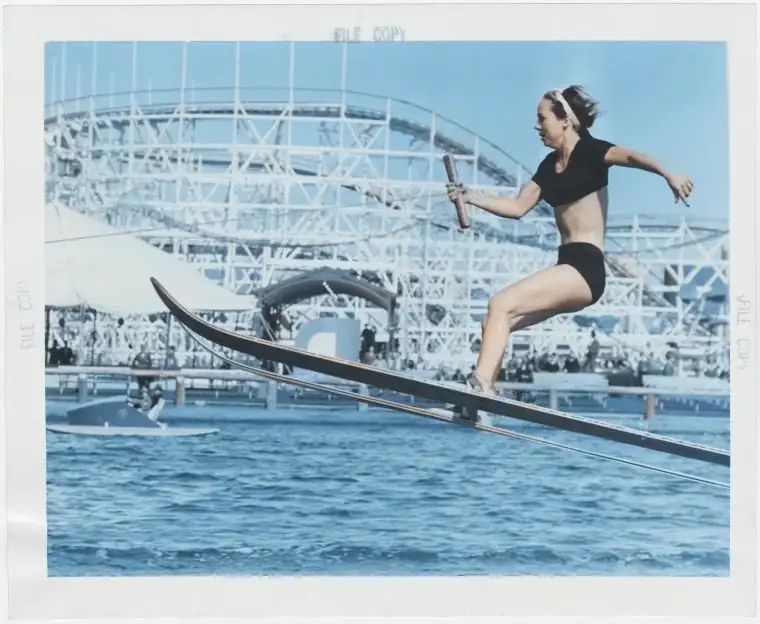
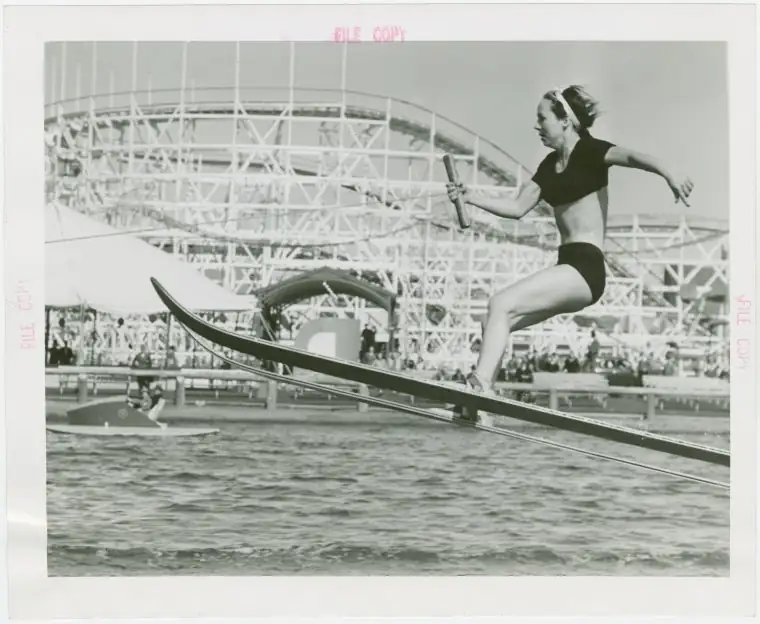
The AI identifies what’s in the picture and adds natural color to the sky, water, skin and clothing. Moments that felt distant in black and white suddenly feel close.
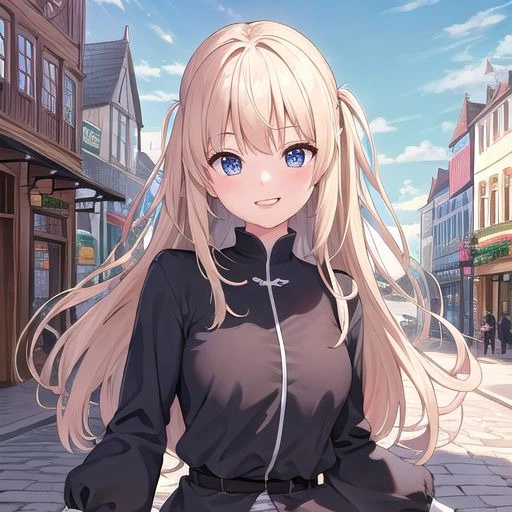
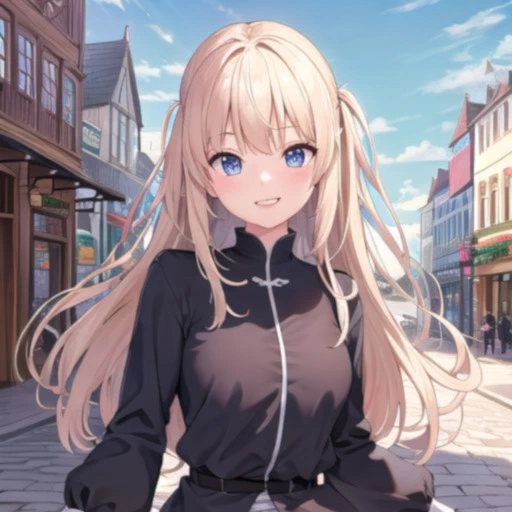
Illustrations live and die by clean lines and flat color. Color Survey cleans up blurred lines and color banding while it upscales, so small or degraded artwork looks good enough to show.
Open digitized home videos and older clips directly. Color Survey reduces grain and restores faded colors so your footage is worth watching again.
Standard: up to 30 seconds per video · Premium: unlimited length
Open low-resolution document scans and digitized books as PDFs. Color Survey turns smudged text and faded diagrams into crisp, readable pages.
Standard: up to 5 pages per PDF · Premium: unlimited pages
JPGPNG
Photos from your phone or camera, and scanned images — just open them.
MP4AVIMOVGIF
Digitized home videos, saved clips and even short animated GIFs.

Scanned documents and books, enhanced right inside the PDF.
Upscaling, restoration and colorization, all processed on your own computer. Start with the free trial.